
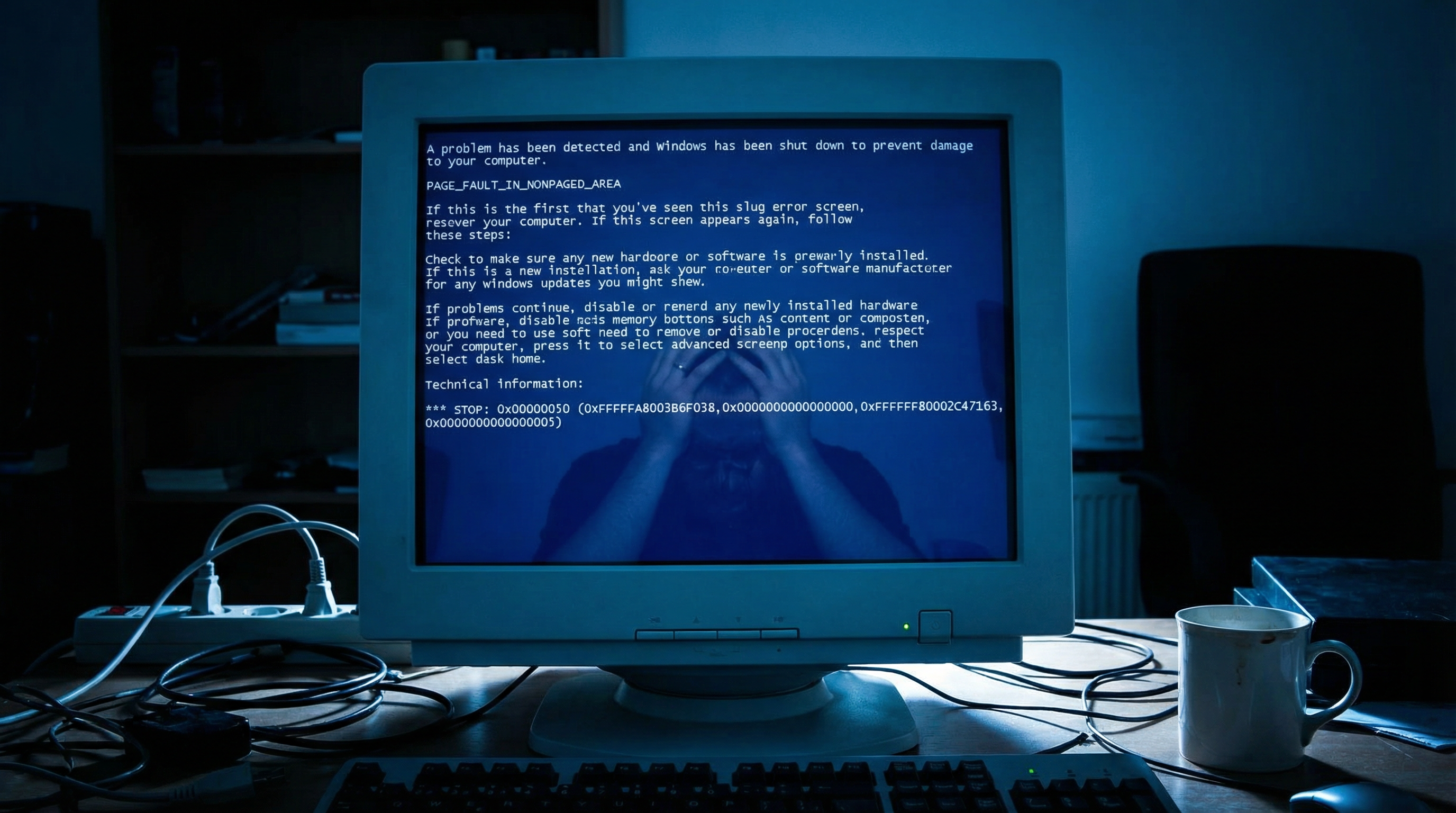
Common BSOD Causes
What is BSOD?
The Blue Screen of Death (BSOD) is Windows' way of stopping when something goes seriously wrong.
Hardware Causes:
- Failing RAM
- Overheating CPU
- Dying hard drive
- Faulty power supply
- Bad graphics card
Software Causes:
- Corrupted drivers
- Windows update problems
- Malware infections
- Incompatible software
- Registry errors
Reading the Error:
The BSOD shows a stop code (like KERNEL_DATA_INPAGE_ERROR). This helps identify the cause.
Safe Mode Troubleshooting
How to Enter Safe Mode:
- Hold Shift while clicking Restart
- Choose Troubleshoot > Advanced > Startup Settings
- Press 4 for Safe Mode or 5 for Safe Mode with Networking
What to Do in Safe Mode:
- Uninstall recent programs
- Roll back driver updates
- Run antivirus scans
- Check for Windows updates
- Use System Restore
If Safe Mode Works:
The problem is likely software-related (drivers, programs, malware).
If Safe Mode Fails:
Hardware problems are more likely.
Driver and Hardware Checks
Update Drivers:
- Device Manager > Right-click device > Update driver
- Focus on graphics, network, and chipset drivers
- Use manufacturer websites for latest versions
Check Hardware:
- RAM: Windows Memory Diagnostic tool
- Hard Drive: Check disk for errors (chkdsk)
- Temperature: Use HWMonitor to check temps
- Power Supply: Listen for unusual sounds
System File Check:
Open Command Prompt as admin and run:
\sfc /scannow\
GeeksAnywhere Repair Process
Our Diagnostic Approach:
- Analyze BSOD error codes
- Check system logs
- Test hardware components
- Identify root cause
- Provide repair options
Common Fixes:
- Driver updates/rollbacks
- Windows repair
- Hardware replacement
- Malware removal
- Clean Windows installation
Call 225-235-0846 for BSOD repair.
Need Help in Baton Rouge?
Geeks Anywhere is your local, veteran-owned computer repair and IT support team. Call us today.
225-235-0846