
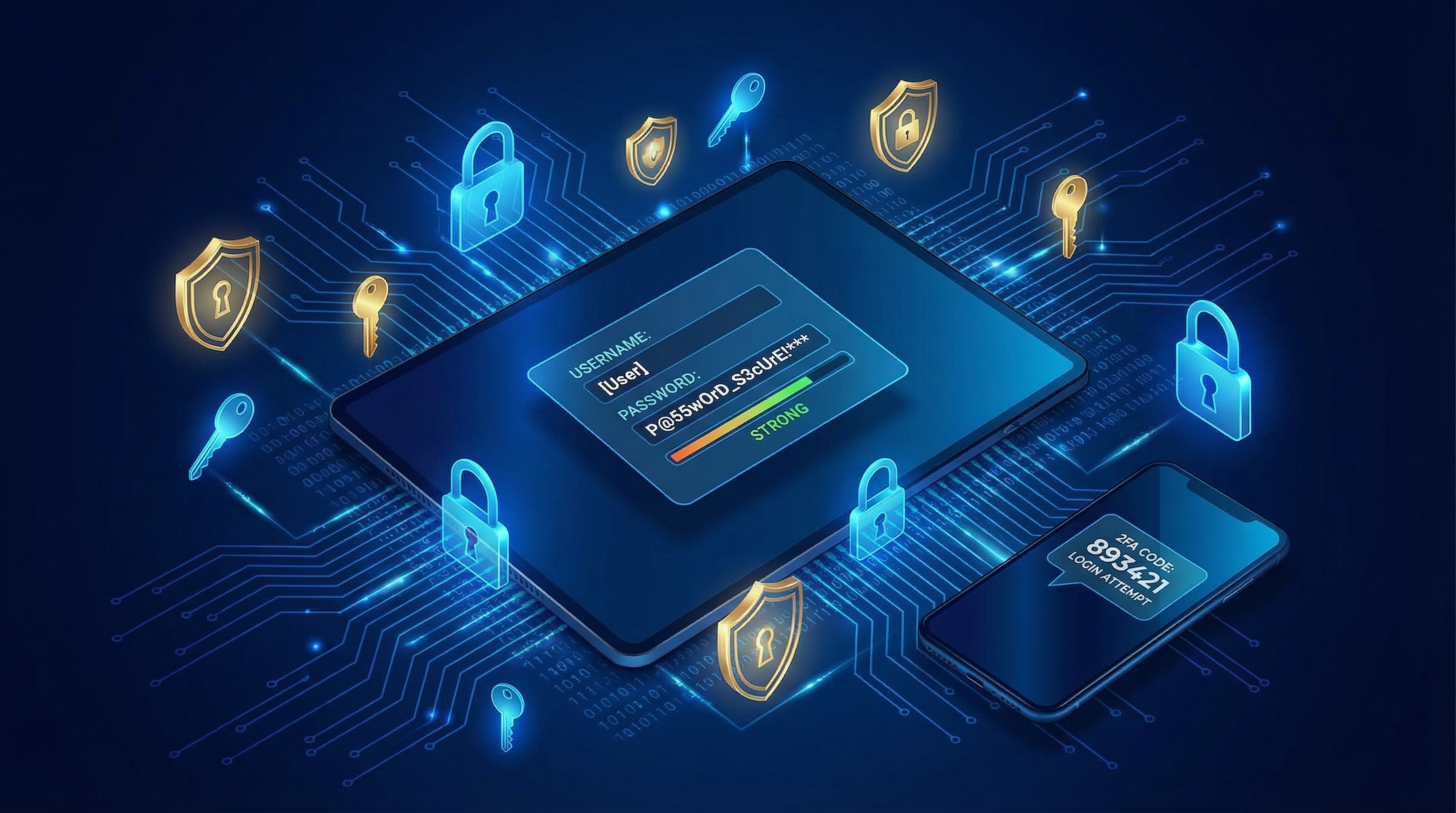
VPN and Antivirus Essentials
Why Use a VPN:
- Encrypts your internet traffic
- Protects on public Wi-Fi
- Hides browsing from ISP
- Access geo-restricted content
Recommended VPNs:
- NordVPN
- ExpressVPN
- Mullvad (privacy-focused)
- ProtonVPN (free tier available)
Antivirus Essentials:
- Windows Defender (built-in, decent)
- Bitdefender (excellent protection)
- Norton 360 (comprehensive suite)
- Malwarebytes (great for malware)
Password Manager Setup
Why You Need One:
- Unique passwords for every site
- No need to remember them
- Auto-fill saves time
- Secure password generation
Top Password Managers:
- Bitwarden (free, open source)
- 1Password (excellent features)
- LastPass (popular choice)
- Dashlane (user-friendly)
Getting Started:
- Choose a password manager
- Create a strong master password
- Install browser extensions
- Import existing passwords
- Update weak passwords over time
Two-Factor Everywhere
What is 2FA:
Requires two forms of verification:
- Something you know (password)
- Something you have (phone, key)
Best 2FA Methods:
- Hardware keys (YubiKey)
- Authenticator apps
- SMS codes (last resort)
Enable 2FA On:
- Email (most critical!)
- Banking
- Social media
- Shopping sites
- Work accounts
GeeksAnywhere Security Reviews
What We Check:
- Password practices
- 2FA usage
- Antivirus protection
- VPN setup
- Browser security
- Privacy settings
What We Help With:
- Password manager setup
- 2FA configuration
- VPN installation
- Security software
- Safe browsing training
Call 225-235-0846 for a security review.
Need Help in Baton Rouge?
Geeks Anywhere is your local, veteran-owned computer repair and IT support team. Call us today.
225-235-0846