
Common Input Device Failures
Keyboard Problems:
- Keys not responding
- Sticky or stuck keys
- Wrong characters appearing
- Entire keyboard dead
- Keys physically broken
Trackpad Issues:
- Not responding to touch
- Erratic cursor movement
- Click not working
- Gestures not recognized
- Physically damaged
Causes:
- Liquid spills
- Dust and debris
- Wear and tear
- Cable disconnection
- Driver issues
Replacement Steps
Keyboard Replacement:
- Identify correct replacement part
- Carefully remove old keyboard
- Disconnect ribbon cable
- Connect new keyboard
- Secure and test
Trackpad Replacement:
- Access trackpad (often under keyboard)
- Disconnect cables
- Remove mounting screws
- Install new trackpad
- Reassemble and test
DIY Considerations:
- Laptop disassembly can be complex
- Risk of damaging other components
- Warranty may be voided
- Specialized tools often needed
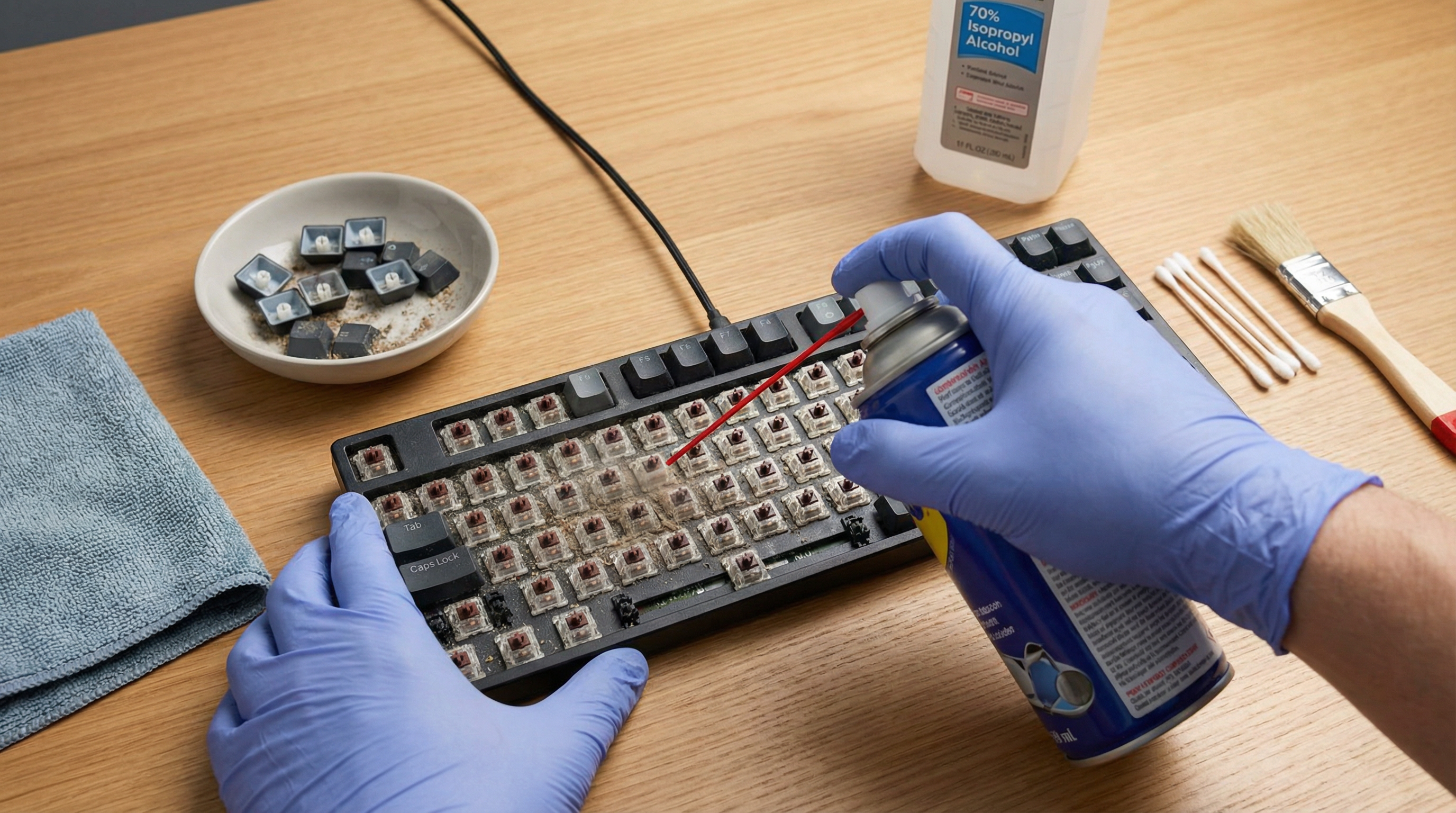
Cleaning Tips
For Sticky Keys:
- Power off laptop
- Turn upside down and shake gently
- Use compressed air between keys
- Clean with slightly damp cloth
- For stubborn grime: isopropyl alcohol on cotton swab
For Trackpad:
- Clean with microfiber cloth
- Slightly damp if needed
- Avoid harsh chemicals
- Check for debris around edges
Prevention:
- Keep food and drinks away
- Wash hands before use
- Use keyboard cover
- Regular cleaning
GeeksAnywhere Parts Service
What We Stock:
- Common keyboard replacements
- Trackpad assemblies
- Ribbon cables
- Mounting hardware
Our Service:
- Free diagnosis
- Quality replacement parts
- Expert installation
- Testing before return
- Warranty on repairs
Call 225-235-0846 for laptop repair.
Need Help in Baton Rouge?
Geeks Anywhere is your local, veteran-owned computer repair and IT support team. Call us today.
225-235-0846