
Speed Test & Diagnostics
Run a Speed Test:
- Go to speedtest.net or fast.com
- Close other programs and devices
- Run test multiple times
- Compare to what you're paying for
Interpreting Results:
- Download: What you get (streaming, browsing)
- Upload: What you send (video calls, uploads)
- Ping: Response time (gaming, video calls)
When Results Are Bad:
- Test wired connection to isolate Wi-Fi issues
- Test at different times of day
- Test from different locations in home
Channel Interference Fixes
The Problem:
Neighbors' Wi-Fi networks can interfere with yours, especially in apartments and dense neighborhoods.
How to Fix:
- Log into your router
- Find wireless settings
- Change channel (try 1, 6, or 11 for 2.4GHz)
- For 5GHz, use auto or try different channels
Tools to Help:
- Wi-Fi Analyzer app (Android)
- NetSpot (Mac/Windows)
- Your router's built-in analyzer
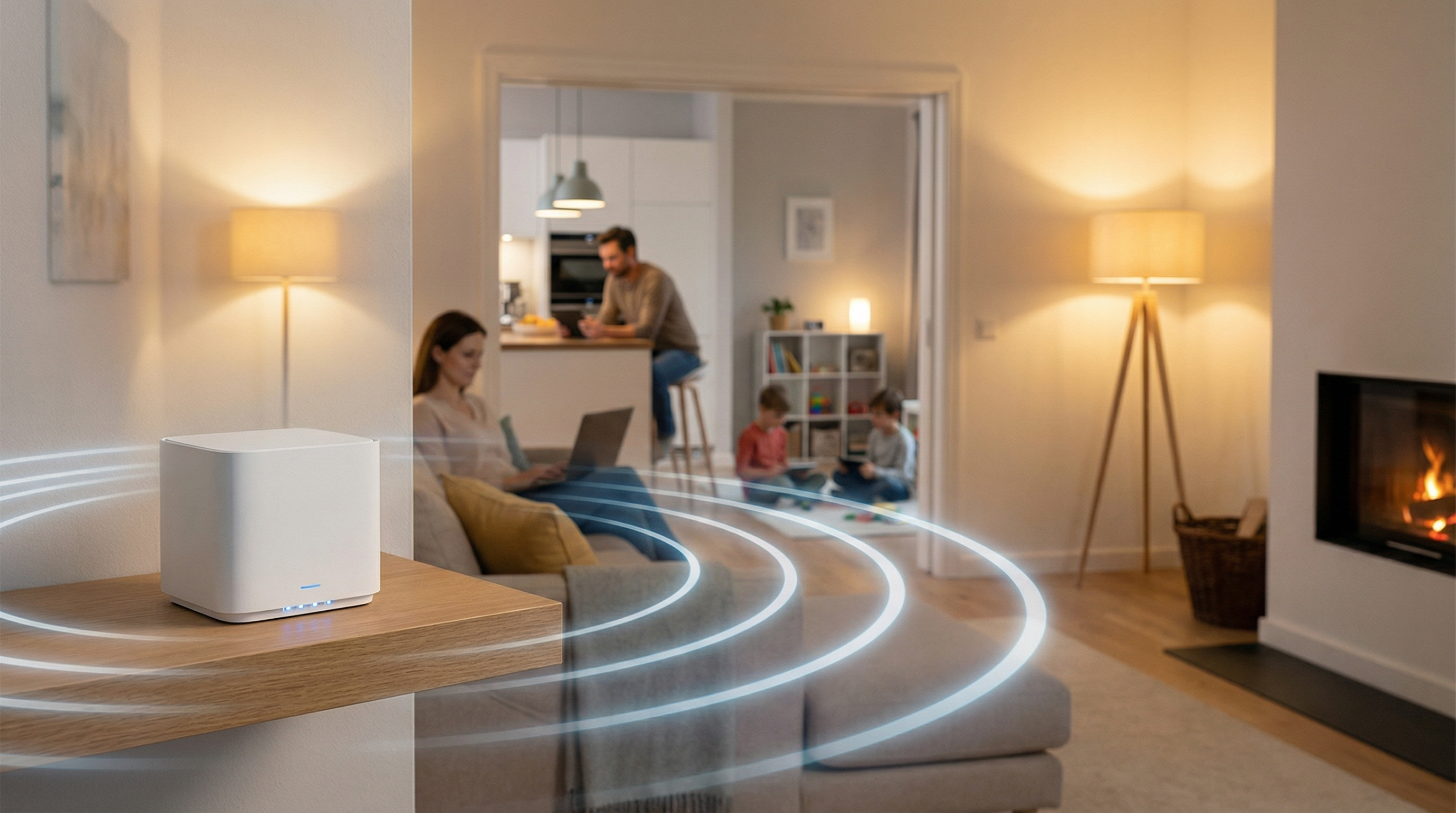
Router Placement
Best Practices:
- Central location in home
- Elevated (not on floor)
- Away from walls and metal objects
- Away from microwaves and cordless phones
- Not in closets or cabinets
Common Mistakes:
- Router in corner of house
- Hidden behind TV or furniture
- In basement or attic
- Near fish tanks (water blocks signal)
GeeksAnywhere On-Site Help
What We Do:
- Comprehensive network assessment
- Speed testing throughout home
- Router optimization
- Channel selection
- Placement recommendations
- Mesh system installation if needed
Results:
- Faster speeds
- Better coverage
- Fewer dropouts
- Happier household
Call 225-235-0846 for network support.
Need Help in Baton Rouge?
Geeks Anywhere is your local, veteran-owned computer repair and IT support team. Call us today.
225-235-0846