
Software Tweaks: Cleanup, Updates
Free Speed Improvements:
1. Disk Cleanup
- Search "Disk Cleanup" in Windows
- Select your main drive
- Check all boxes and clean
2. Disable Startup Programs
- Press Ctrl+Shift+Esc for Task Manager
- Click "Startup" tab
- Disable programs you don't need at startup
3. Uninstall Unused Programs
- Settings > Apps > Installed apps
- Remove programs you don't use
4. Update Windows
- Settings > Windows Update
- Install all available updates
5. Clear Browser Data
- Delete history, cache, and cookies
- Remove unused extensions
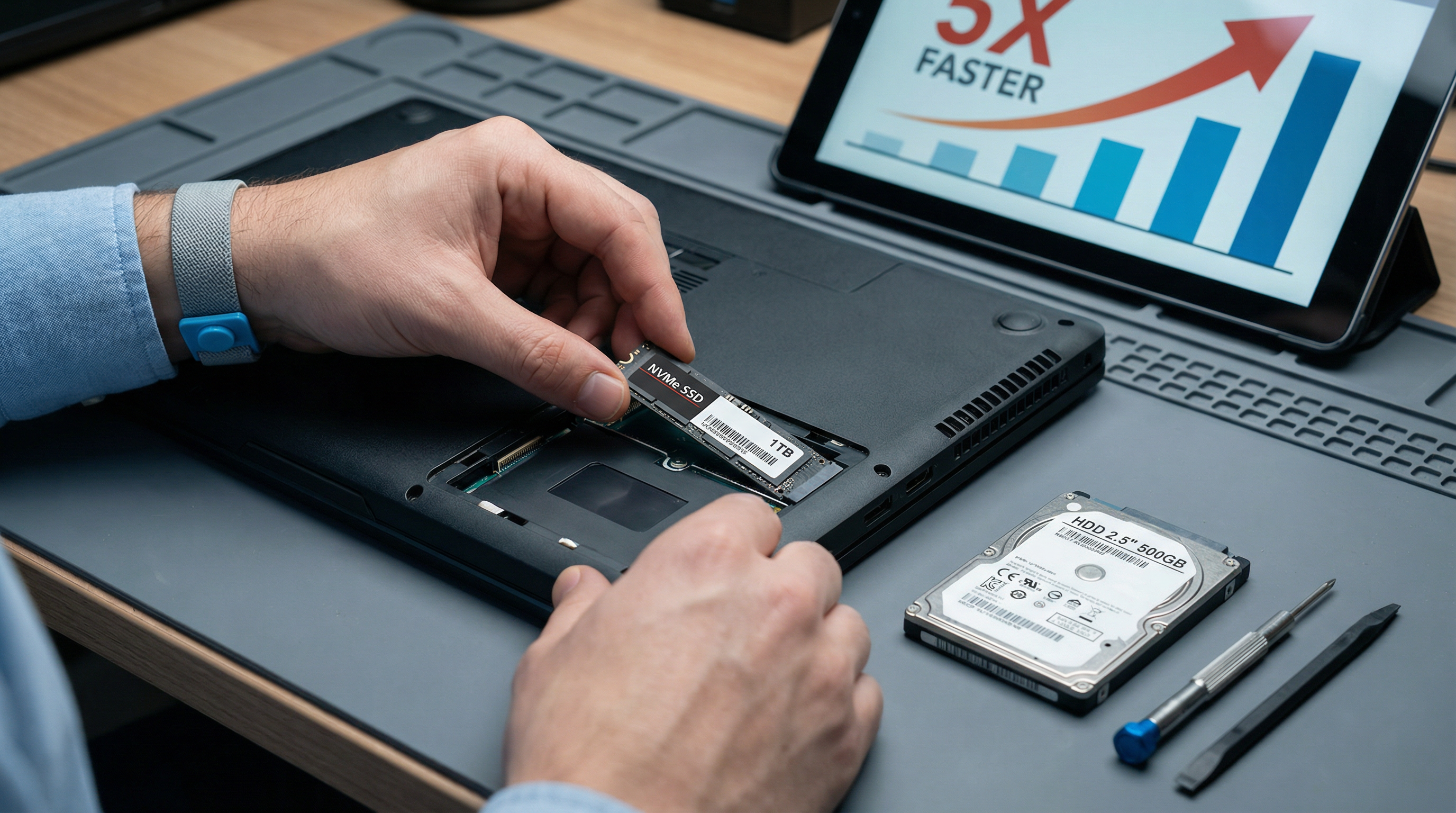
Hardware Upgrades: RAM, SSD
SSD Upgrade (Biggest Impact)
Replacing a traditional hard drive with an SSD is the single best upgrade:
- Boot time: 2+ minutes → 20 seconds
- Programs open instantly
- Overall snappiness improved dramatically
- Cost: $50-150 depending on size
RAM Upgrade
If your computer has less than 8GB RAM:
- More programs can run simultaneously
- Less slowdown when multitasking
- Cost: $30-80 for 8GB
When Upgrades Make Sense:
- Computer is 3-7 years old
- Otherwise working fine
- Cheaper than a new computer
Virus/Malware Removal
Signs of Infection:
- Unexpected pop-ups
- Browser redirects
- New toolbars or programs
- Extremely slow performance
- High CPU usage when idle
Free Removal Tools:
- Windows Defender (built-in)
- Malwarebytes (free version)
- AdwCleaner (for adware)
When to Call Pros:
- Can't remove the infection
- Computer is unusable
- Ransomware messages
- Unsure what's legitimate
GeeksAnywhere Optimization Service
What We Do:
- Full malware scan and removal
- Disk cleanup and optimization
- Startup program optimization
- Driver updates
- Hardware diagnostics
- SSD/RAM upgrade installation
Results You'll See:
- Faster boot times
- Quicker program launches
- Smoother multitasking
- Extended computer life
Call 225-235-0846 for PC optimization.
Need Help in Baton Rouge?
Geeks Anywhere is your local, veteran-owned computer repair and IT support team. Call us today.
225-235-0846