
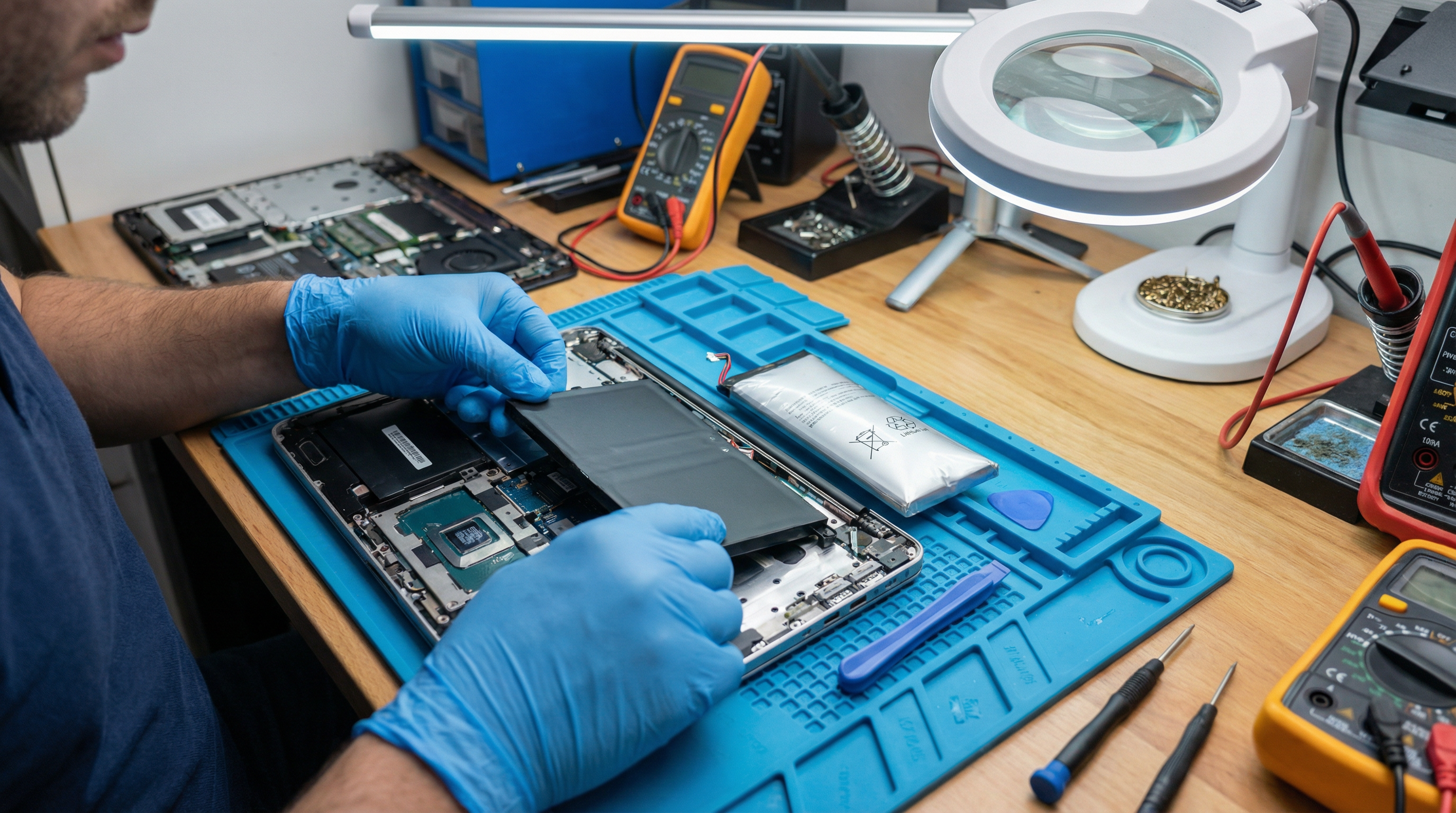
Battery Health Diagnostics
iPhone Battery Check:
Settings > Battery > Battery Health & Charging
- Maximum Capacity shows battery wear
- Below 80% = replacement recommended
Android Battery Check:
- Dial ##4636## (some phones)
- Use manufacturer diagnostics
- Third-party apps like AccuBattery
Signs of Battery Problems:
- Rapid drain (full to empty in hours)
- Phone dies at 20-30%
- Very slow charging
- Phone gets very hot
- Battery swelling (dangerous!)
Software Reset vs. Repair
When to Reset:
- Phone is slow or glitchy
- Apps keep crashing
- Strange behavior after updates
- Before selling or giving away
Types of Resets:
- Soft Reset: Restart the phone
- Clear Cache: Clears temporary files
- Factory Reset: Erases everything (backup first!)
When Reset Won't Help:
- Hardware problems
- Physical damage
- Battery issues
- Water damage
Model-Specific Tips
iPhone:
- Force restart: Volume Up, Volume Down, hold Side button
- DFU mode for serious issues
- Apple Diagnostics available at Apple Store
Samsung:
- Recovery mode: Volume Up + Power
- Safe mode: Hold Volume Down during boot
- Samsung Members app for diagnostics
Google Pixel:
- Rescue mode available
- Excellent software support
- Hardware diagnostics in settings
GeeksAnywhere Quick Service
What We Fix:
- Battery replacement (all models)
- Screen repair
- Charging port repair
- Software issues
- Water damage
- Speaker/microphone problems
Our Process:
- Free diagnosis
- Upfront pricing
- Quality parts
- Expert repair
- Testing and warranty
Call 225-235-0846 for smartphone repair.
Need Help in Baton Rouge?
Geeks Anywhere is your local, veteran-owned computer repair and IT support team. Call us today.
225-235-0846