
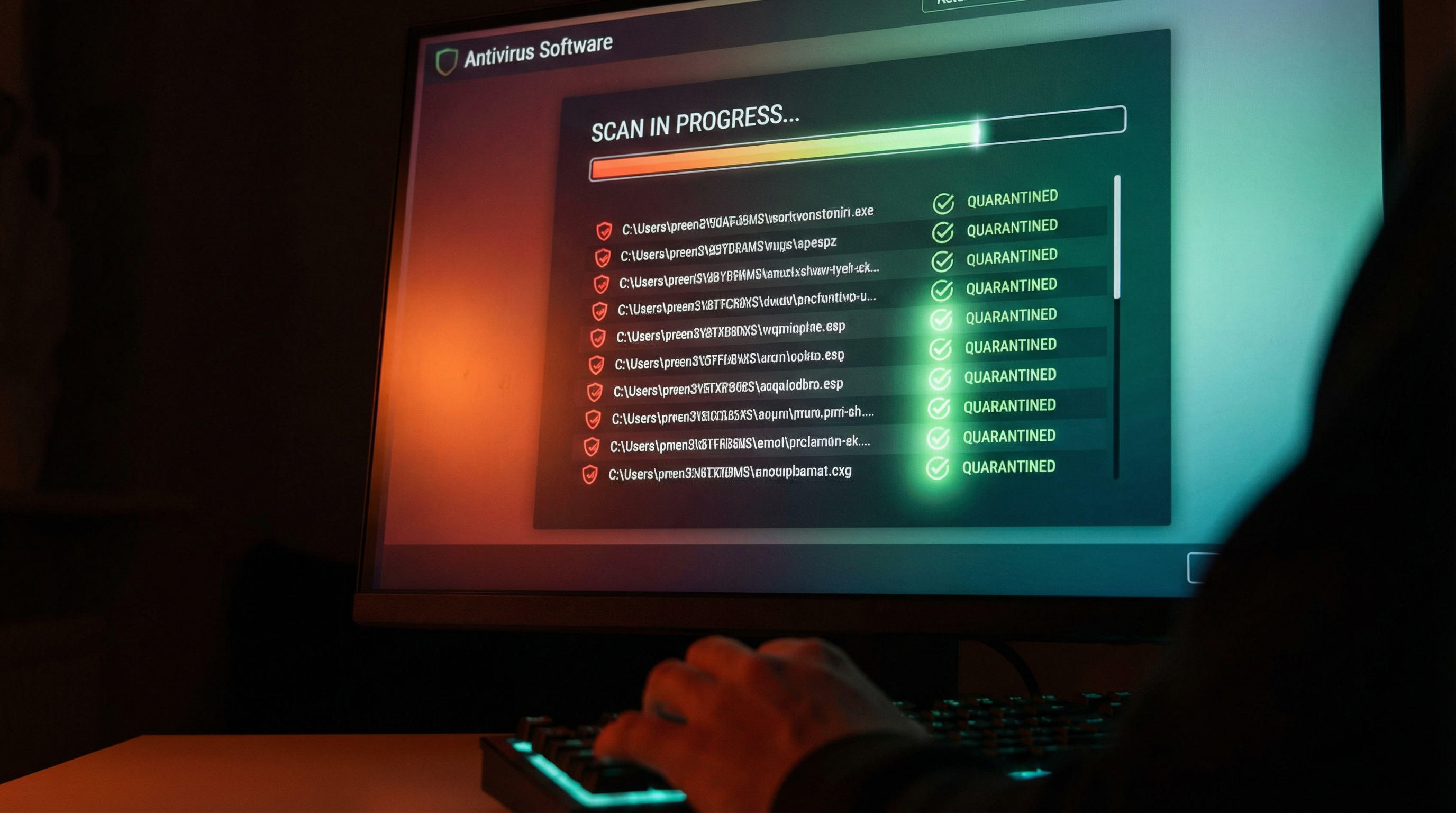
Identify Malware Symptoms
Obvious Signs:
- Pop-ups everywhere
- Browser homepage changed
- New toolbars you didn't install
- Fake antivirus warnings
- Ransom messages
Subtle Signs:
- Computer slower than usual
- Programs crashing
- High CPU/disk usage when idle
- Network activity when not using internet
- Friends getting strange emails from you
Dangerous Signs:
- Files encrypted or missing
- Can't access certain programs
- Webcam light on unexpectedly
- Passwords not working
Safe Removal Steps
Step 1: Disconnect
Unplug from internet to prevent spread and data theft.
Step 2: Safe Mode
Boot into Safe Mode to prevent malware from running.
Step 3: Scan
Run multiple scanners:
- Windows Defender
- Malwarebytes
- AdwCleaner
- HitmanPro
Step 4: Clean
Remove detected threats and quarantine suspicious files.
Step 5: Verify
Restart normally and scan again to confirm removal.
Data Backup/Recovery
Before Cleaning:
- Back up important files if possible
- Don't back up executable files (may be infected)
- Use external drive or cloud
If Data is Lost:
- Don't install new software on the drive
- Professional recovery may be possible
- Success depends on damage level
Prevention:
- Regular automatic backups
- Multiple backup locations
- Test restores periodically
GeeksAnywhere Clean Installs
When Clean Install is Best:
- Severe infection
- System too damaged to repair
- Fresh start desired
Our Process:
- Back up your data
- Clean install Windows
- Install essential software
- Restore your files
- Set up protection
Call 225-235-0846 for virus removal.
Need Help in Baton Rouge?
Geeks Anywhere is your local, veteran-owned computer repair and IT support team. Call us today.
225-235-0846