
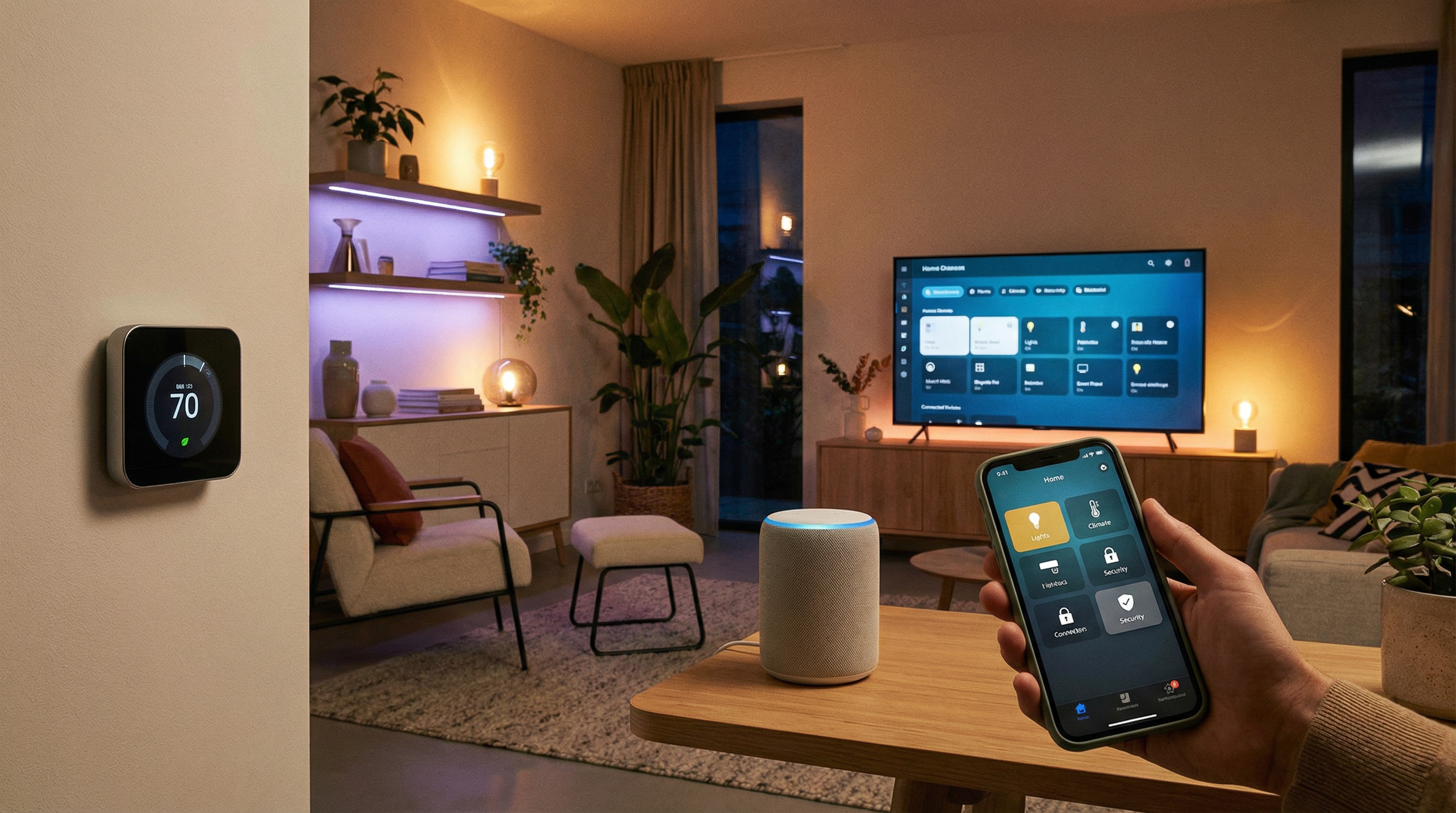
Must-Have IoT Categories
Smart Security
- Video doorbells (Ring, Nest, Eufy)
- Indoor/outdoor cameras
- Smart locks
- Motion sensors
Climate Control
- Smart thermostats (Nest, Ecobee)
- Smart fans and AC controllers
- Humidity sensors
Lighting
- Smart bulbs (Philips Hue, LIFX)
- Smart switches and dimmers
- Motion-activated lights
Entertainment
- Smart speakers (Amazon Echo, Google Home)
- Smart TVs and streaming devices
- Multi-room audio systems
Compatibility with Matter/Thread Standards
What is Matter?
Matter is the new universal smart home standard that lets devices from different brands work together seamlessly. Look for the Matter logo when buying new devices.
What is Thread?
Thread is a low-power wireless protocol that creates a mesh network for your smart devices. It's faster and more reliable than older protocols.
Why This Matters:
- Devices from different brands work together
- Faster, more reliable connections
- Future-proof your smart home investment
- Works with Apple, Google, Amazon, and Samsung
Installation and Integration Steps
Step 1: Plan Your Network
Smart homes need strong Wi-Fi. Consider a mesh system if you have dead zones.
Step 2: Choose an Ecosystem
Pick a primary platform (Apple HomeKit, Google Home, Amazon Alexa) and choose compatible devices.
Step 3: Start Simple
Begin with one or two devices. Smart speakers and smart lights are great starting points.
Step 4: Secure Your Network
- Use strong, unique passwords
- Enable two-factor authentication
- Keep firmware updated
- Consider a separate network for IoT devices
Step 5: Create Automations
Set up routines like "Good Morning" (lights on, thermostat adjust) or "Away" (lights off, cameras armed).
GeeksAnywhere IoT Setup and Troubleshooting
Setting up a smart home can be overwhelming. We help with:
Initial Setup
- Network optimization for IoT
- Device installation and configuration
- Ecosystem integration
- Automation programming
Troubleshooting
- Connectivity issues
- Device conflicts
- App problems
- Security concerns
Ongoing Support
- Firmware updates
- Adding new devices
- Optimizing performance
Call 225-235-0846 for smart home setup and support.
Need Help in Baton Rouge?
Geeks Anywhere is your local, veteran-owned computer repair and IT support team. Call us today.
225-235-0846