
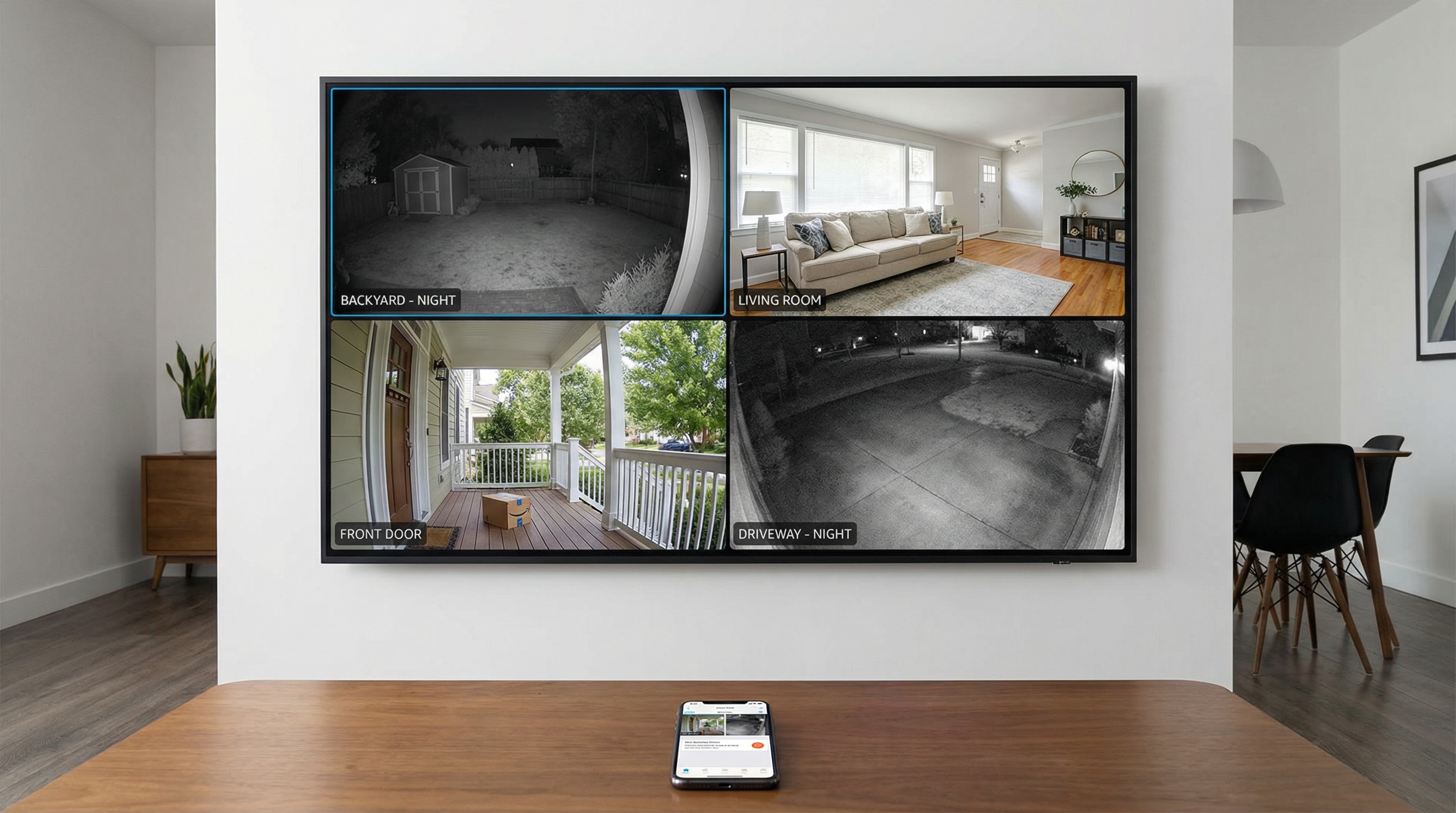
Risks of Unsecured IoT
Your Devices Are Targets
Hackers don't just want your computer—they want your cameras, smart locks, and even your refrigerator.
Real Risks Include:
- Hackers watching through your cameras
- Smart locks being remotely opened
- Devices used in botnet attacks
- Personal data being stolen
- Network access through weak devices
Why IoT is Vulnerable:
- Many devices have weak default passwords
- Manufacturers don't always provide updates
- Users don't think to secure "smart" devices
- Devices often have minimal security features
Best Practices: Unique Passwords, Firmware Updates
Change Default Passwords
Every IoT device should have a unique, strong password. Never leave defaults.
Keep Firmware Updated
Check for updates regularly or enable automatic updates:
- Security cameras
- Smart locks
- Thermostats
- Routers
- Smart speakers
Disable Unnecessary Features
If you don't use remote access, turn it off. Fewer open doors means fewer vulnerabilities.
Use Strong Wi-Fi Security
Your IoT devices are only as secure as your network. Use WPA3 and a strong password.
Network Isolation Tips
Create a Separate IoT Network
Many routers support guest networks or VLANs:
- Put IoT devices on a separate network
- Keep computers and phones on the main network
- Prevents compromised devices from accessing sensitive data
How to Set Up:
- Log into your router
- Create a guest network
- Connect IoT devices to the guest network
- Keep the password different from your main network
Advanced: VLAN Segmentation
For businesses or advanced home users, VLANs provide stronger isolation.
GeeksAnywhere IoT Security Setup
What We Do:
- Audit all connected devices
- Update firmware on all devices
- Change default passwords
- Set up network segmentation
- Configure security settings
- Document your smart home
Ongoing Protection:
- Regular security checks
- Firmware update monitoring
- New device integration
- Troubleshooting support
Call 225-235-0846 for IoT security setup.
Need Help in Baton Rouge?
Geeks Anywhere is your local, veteran-owned computer repair and IT support team. Call us today.
225-235-0846