
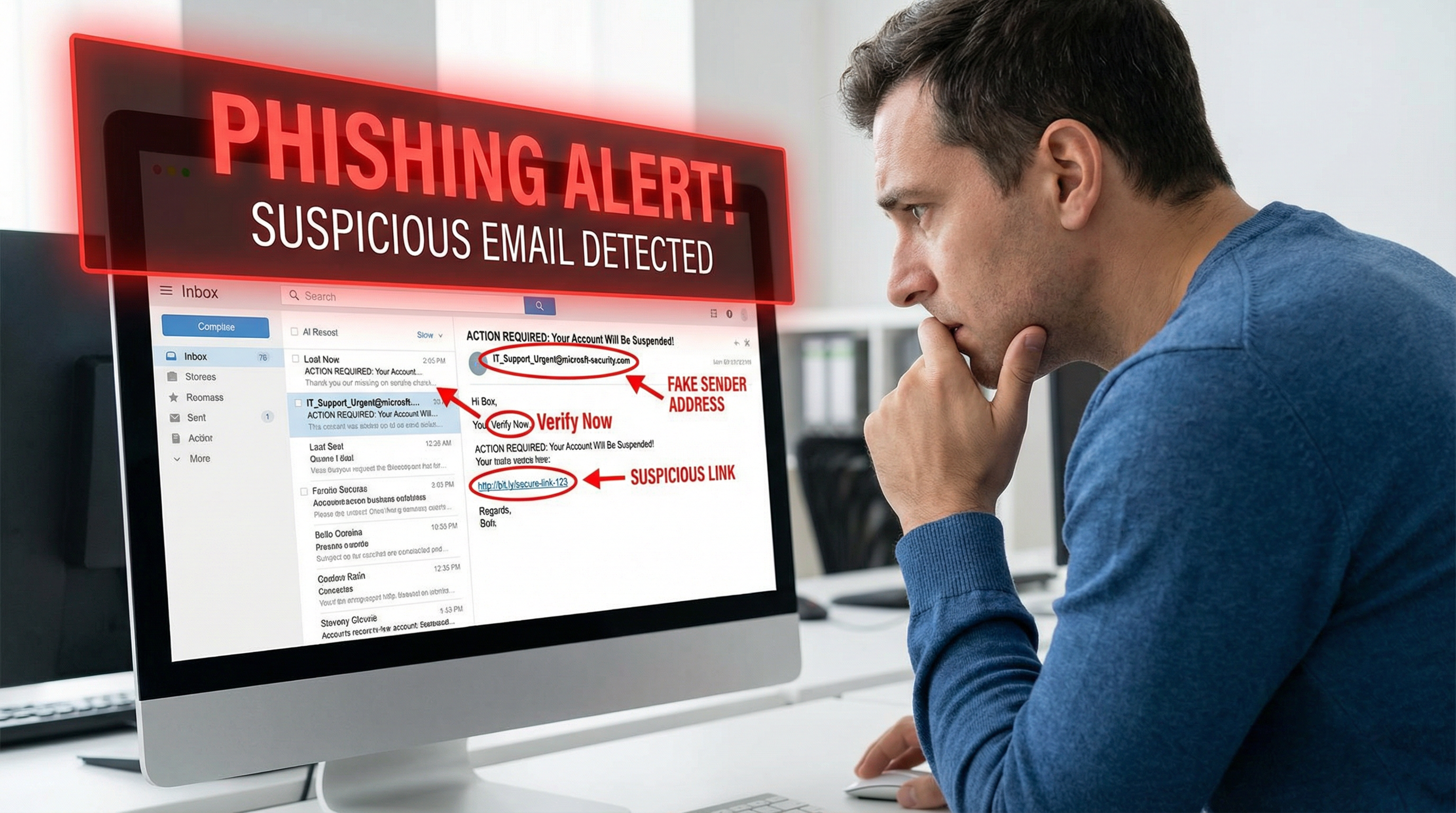
Red Flags in Emails and Texts
Urgency and Threats
"Your account will be closed!" or "Act now or lose access!" Legitimate companies don't threaten you.
Generic Greetings
"Dear Customer" instead of your name. Real companies know who you are.
Suspicious Sender Addresses
Look carefully: "[email protected]" or "[email protected]" are fakes.
Poor Grammar and Spelling
Many phishing emails have obvious errors that legitimate companies wouldn't make.
Requests for Sensitive Information
Banks and companies never ask for passwords, SSN, or full credit card numbers via email.
Suspicious Links
Hover over links (don't click!) to see where they really go. If it doesn't match, it's phishing.
Two-Factor Authentication Importance
What is 2FA?
Two-factor authentication requires something you know (password) plus something you have (phone, security key).
Why It's Critical:
Even if a phisher gets your password, they can't access your account without the second factor.
Best 2FA Methods (in order):
- Hardware security keys (YubiKey)
- Authenticator apps (Google Authenticator, Authy)
- SMS codes (better than nothing, but not ideal)
Enable 2FA On:
- Email (most important!)
- Banking and financial accounts
- Social media
- Shopping sites
- Work accounts
Safe Browsing Habits
Verify Before You Click
If you get an email about a problem with an account, don't click the link. Go directly to the website by typing the address.
Check for HTTPS
Look for the padlock icon and "https://" before entering any sensitive information.
Use a Password Manager
Password managers won't autofill on fake websites, providing an extra layer of protection.
Keep Software Updated
Browsers and security software are constantly updated to block known phishing sites.
When in Doubt, Verify
Call the company directly using a number you know is real (not one from the suspicious email).
GeeksAnywhere Employee Training
For Businesses:
We offer security awareness training that includes:
- Recognizing phishing attempts
- Safe email practices
- Password security
- Reporting suspicious activity
- Simulated phishing tests
Training Benefits:
- Reduce successful attacks by 70%+
- Meet compliance requirements
- Protect company data
- Build security culture
Call 225-235-0846 for security training for your team.
Need Help in Baton Rouge?
Geeks Anywhere is your local, veteran-owned computer repair and IT support team. Call us today.
225-235-0846